
Managed IT
Fast, dependable IT support without waiting for a site visit.
Runtime Labs resolves routine faults quickly through secure, permission-based remote access. A monthly plan also brings monitoring, maintenance, issue ownership, and a clear route to on-site help.

Where It Helps
Support Gaps We Close
- Staff lose time to recurring routine technology issues.
- Nobody responds clearly when a device, account, or printer fails.
- Updates, maintenance, and backup checks are neglected.
- Small faults repeat because the root cause is never tracked.
- On-site visits are used for issues that could be resolved remotely.
- Technology ownership and escalation responsibilities are unclear.
- Unresolved problems turn into avoidable emergency call-outs.
Scope
What Is Included
Secure remote assistance with user permission.
Proactive monitoring and device health checks.
Software maintenance and user support.
Microsoft 365 and printer troubleshooting.
Backup monitoring where included in the plan.
Issue tracking and escalation to an on-site visit.
Monthly support reporting.
Practical technology recommendations.
Expected Outcome
What You Can Expect
- A defined monthly plan covering named users and devices.
- Normal support hours and response targets stated in writing.
- Remote-access safeguards and administrative ownership documented.
- Recurring issues tracked rather than repeatedly patched.
- Separate project and on-site charges identified before non-plan work proceeds.
Four-Step Delivery
How It Works
- 1 Discover We confirm the users, systems, priorities, constraints, and current risks.
- 2 Plan You receive a clear scope, recommendations, costs, and delivery sequence.
- 3 Deliver We configure, test, document, and hand over the agreed technology.
- 4 Support We resolve follow-up issues and can continue through a monthly support plan.
Evidence
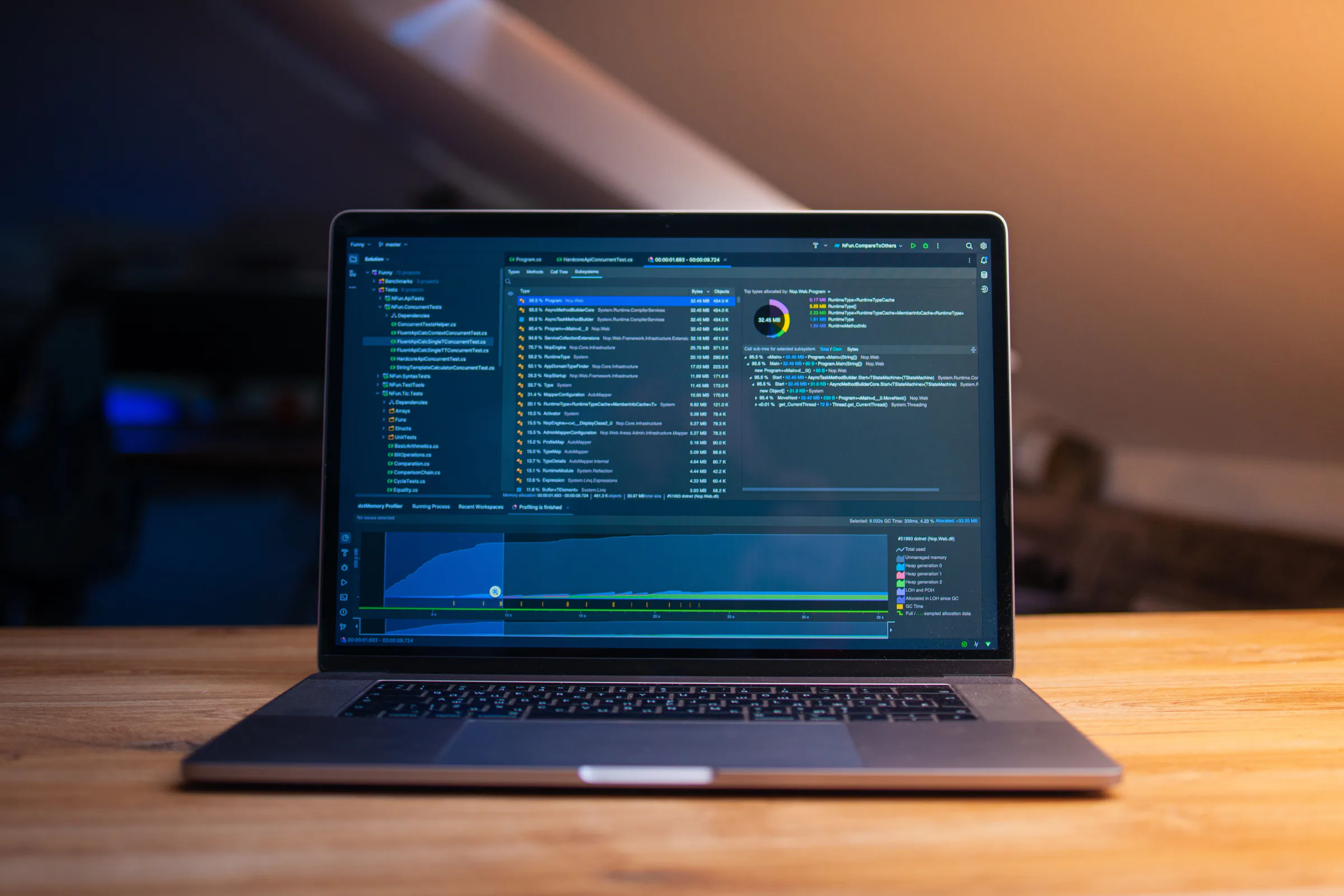
Practical Work and Equipment


Trust and Boundaries
Important Details
- Remote access is enabled only with agreed safeguards and appropriate permission.
- The service does not promise 24/7 coverage; standard hours are 8am–6pm, Monday to Friday.
- Projects, hardware, licences, specialist recovery, and some on-site work are priced separately.
Commercials
Pricing Approach
Monthly plans are sized around supported users, devices, support hours, response targets, and monitoring scope. The agreement states what is included, how on-site attendance is charged, and which projects require a separate quotation.
Questions
Frequently Asked Questions
Is remote access always running?
The chosen safeguards and access model are agreed in advance; user permission and least-privilege access remain central.
What if the problem cannot be fixed remotely?
We explain the findings and arrange an on-site visit or separate project when required.
Is hardware included in the monthly fee?
No, unless a specific agreement says otherwise. Hardware and licences are approved separately.
Related Work
Related Services


Next Step
Talk to Runtime Labs about Remote Support.
Share the situation, the outcome you need, and any useful photographs or error details.