
Emergency IT
Important business storage unavailable? Stop and get advice.
Repeated reboots, drive swaps, or an unplanned array rebuild can make a storage incident worse. Runtime Labs separates service availability, hardware repair, backup restoration, and specialist data recovery without promising an outcome that evidence cannot support.
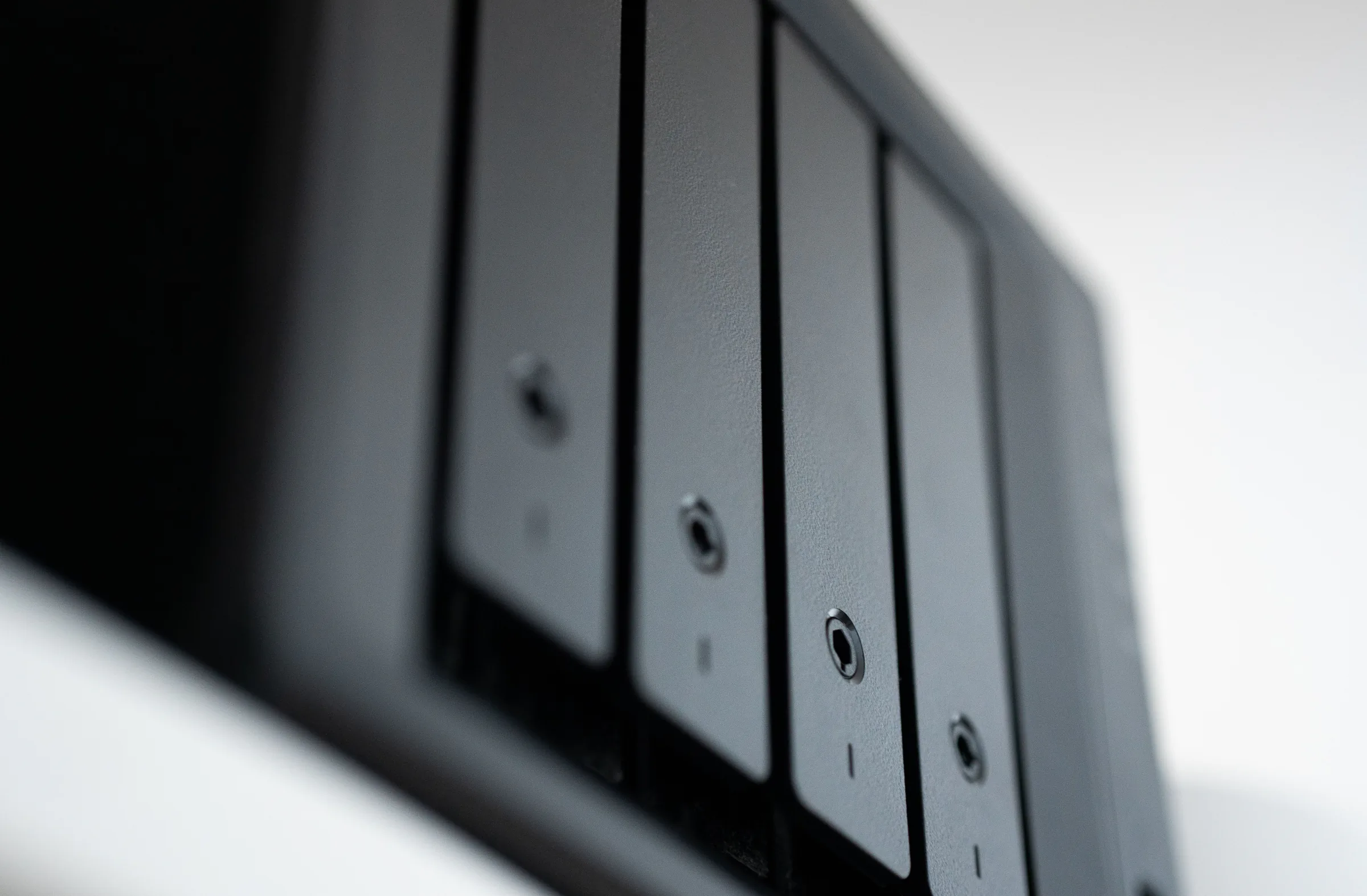
Where It Helps
Call When
- A NAS has disappeared from the network.
- Shared folders are unavailable or extremely slow.
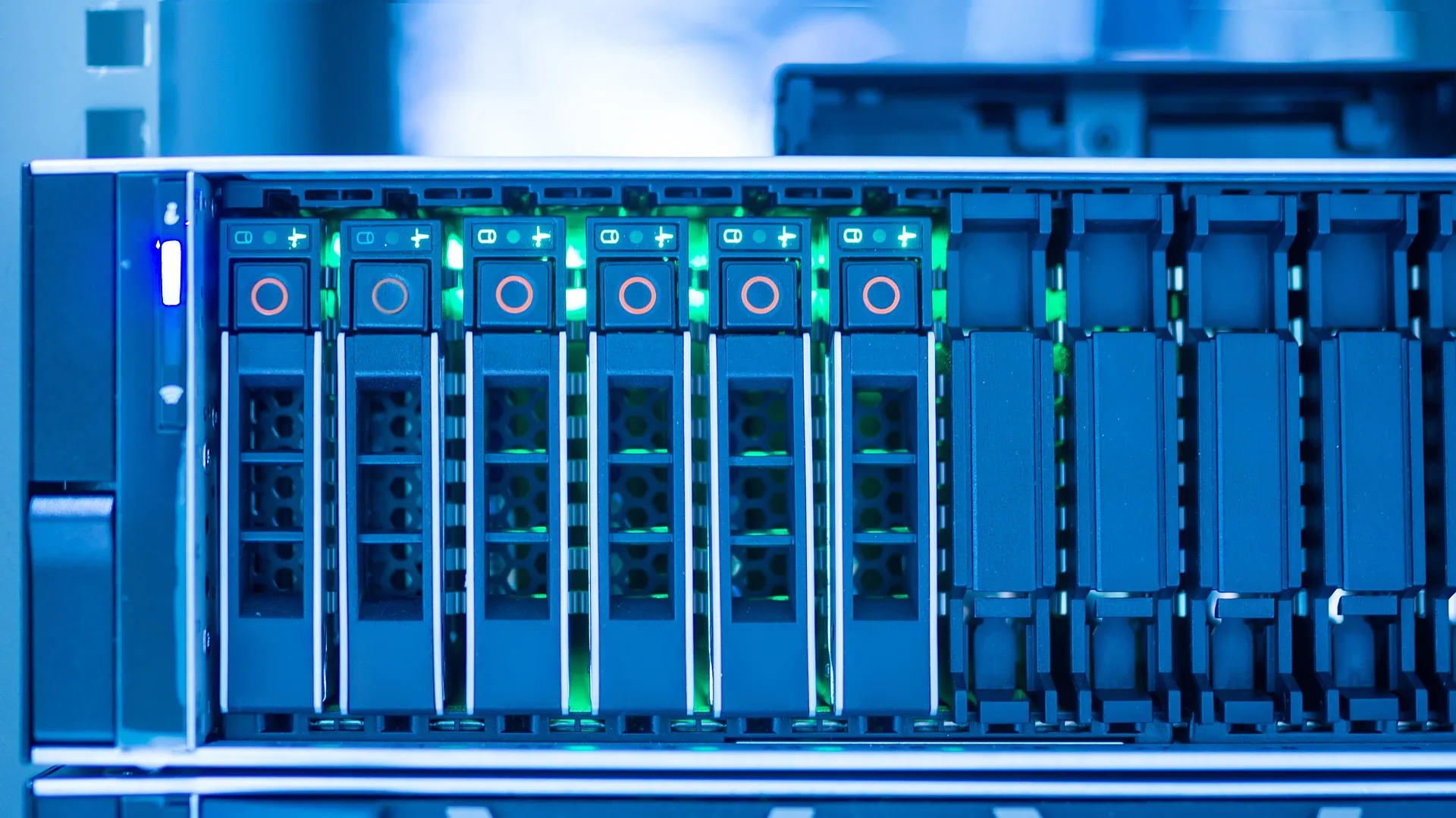
- Warning lights, alarms, or failed-drive notices appear.
- Files were deleted or file-system errors are reported.
- Storage stopped after a power loss.
- Important data may exist only on the affected hardware.
Scope
What Is Included
Immediate change-control and data-risk guidance.
Collection of error messages, model details, and backup information.
Remote or on-site storage assessment.
Availability-restoration options.
Hardware-repair and backup-restoration planning.
Referral or coordination for specialist data recovery.
Documented next actions and prevention recommendations.
Expected Outcome
What You Can Expect
- Unnecessary changes and repeated power cycles stopped.
- Availability restoration separated from hardware repair.
- Backup restoration assessed independently from specialist recovery.
- The safest evidence-based next step agreed.
- No unsupported guarantee of data recovery.
Four-Step Delivery
How It Works
- 1 Triage We establish what failed, who is affected, and which actions could increase risk.
- 2 Diagnose Remote checks identify the likely cause and whether attendance is required.
- 3 Stabilise We restore safe, useful operation or put a temporary workaround in place.
- 4 Follow up Permanent repair options, evidence, and prevention work are documented.
Evidence
Practical Work and Equipment

Trust and Boundaries
Important Details
- Do not initialise, rebuild, or swap array drives without advice.
- Avoid repeatedly power-cycling damaged storage and locate any backup records.
- Data recovery is never guaranteed and may require a specialist laboratory.
Commercials
Pricing Approach
Emergency attendance starts with a £120 call-out fee, followed by hourly labour. Travel, parts, backup media, replacement storage, and specialist data recovery are additional and approved separately.
Questions
Frequently Asked Questions
Should I replace the failed drive now?
Not until the array state and correct drive are confirmed. An incorrect swap or rebuild can increase risk.
Can you recover every file?
No. We assess safe restoration options and coordinate specialists where needed, but recovery cannot be guaranteed.
What information should I send?
Photograph the status lights and record exact error messages, model details, recent events, and any backup information.
Related Work
Related Services


Next Step
Talk to Runtime Labs about NAS or Storage Failure.
Share the situation, the outcome you need, and any useful photographs or error details.