
Managed IT
Keep business files available, protected and recoverable.
File synchronisation makes information convenient, but it is not automatically a complete backup strategy. Runtime Labs separates everyday access from protected copies and verifies how recovery will actually work.

Where It Helps
Data Risks We Address
- Important files live only on individual computers.
- Nobody knows whether backups are completing or can be restored.
- Microsoft 365 and shared folders were configured informally.
- Access permissions and administrator ownership are unclear.
- NAS storage is running without maintenance or monitoring.
- Former employees retain access to business information.
- Conflicting document copies make the correct version uncertain.
Scope
What Is Included
Microsoft 365, email, and account administration.
Shared-file structures and access permissions.
Multi-factor authentication and administrator review.
Cloud and local backup planning.
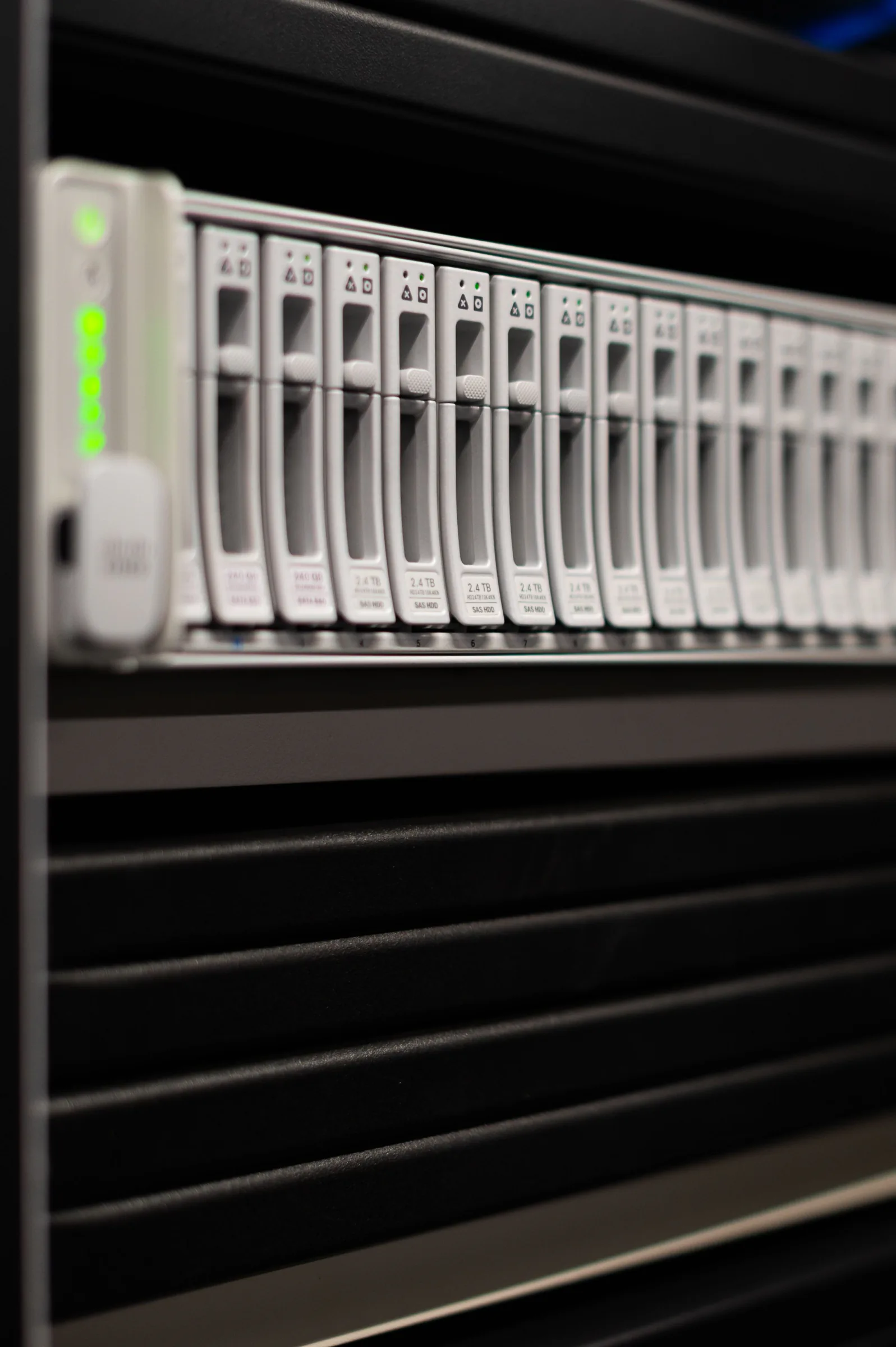
NAS planning, installation, and maintenance.
Backup monitoring and recovery testing.
Retention planning and documented protection scope.
User onboarding and offboarding procedures.
Expected Outcome
What You Can Expect
- A storage and backup assessment with a recommended architecture.
- A configured Microsoft 365, NAS, or backup environment.
- An access-control structure with known administrator ownership.
- Recovery instructions and a documented retention approach.
- Clear statements of what is stored, protected, tested, and still excluded.
Four-Step Delivery
How It Works
- 1 Discover We confirm the users, systems, priorities, constraints, and current risks.
- 2 Plan You receive a clear scope, recommendations, costs, and delivery sequence.
- 3 Deliver We configure, test, document, and hand over the agreed technology.
- 4 Support We resolve follow-up issues and can continue through a monthly support plan.
Evidence
Practical Work and Equipment


Trust and Boundaries
Important Details
- The protected systems, retention periods, and exclusions are agreed in writing.
- Restoration is tested only to the agreed level and cannot remove every business risk.
- Cloud licences, storage subscriptions, hardware, and ongoing monitoring are separate recurring costs where applicable.
Commercials
Pricing Approach
Pricing depends on users, data volume, retention, migration effort, hardware, and recovery requirements. The proposal identifies setup work, ongoing licences or storage, and optional monthly monitoring separately.
Questions
Frequently Asked Questions
Is OneDrive or file synchronisation a backup?
Not by itself in every scenario. Protection depends on retention, deletion behaviour, account access, and the recovery process.
Who keeps administrator access?
Administrative ownership is documented, controlled, and handed to the customer as agreed.
Do you test restoration?
Yes, when included in scope. The test method and the systems it covers are recorded.
Related Work
Related Services


Next Step
Talk to Runtime Labs about Cloud & Backup Solutions.
Share the situation, the outcome you need, and any useful photographs or error details.